
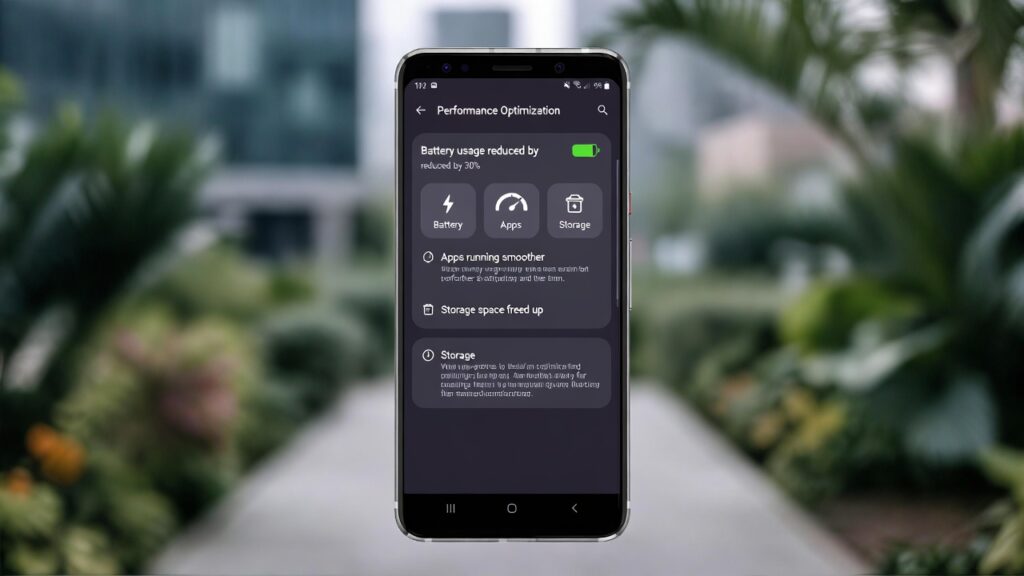
Learn how to optimise Android performance with 7 practical steps using simple settings tweaks, app management, and smart habits. Speed up your device, extend battery life, and enjoy smoother everyday use on your Android phone or tablet in 2026.
How to Optimise Android Performance
Greetings, Android users. Over time, even the fastest smartphones can feel sluggish due to accumulated apps, background processes, cached data, and outdated software. Fortunately, Android provides numerous built-in tools and straightforward techniques to restore speed and responsiveness. Mastering how to optimise Android performance helps your device run more efficiently, reduces lag, improves battery life, and delivers a noticeably smoother experience without needing to buy a new phone. This guide offers clear, effective steps that work across most Android versions, including the latest updates available in 2026.
Why Learn How to Optimise Android Performance?
A well-maintained Android device feels quicker, launches apps instantly, switches between tasks seamlessly, and uses less battery power. When performance declines, common culprits include too many running apps, excessive animations, bloated storage, or background data usage. By learning how to optimise Android performance, you regain control, prevent slowdowns, and extend the usable life of your current phone or tablet. These adjustments are safe, reversible, and require no advanced technical knowledge.
Discover how small changes can make a significant difference to speed and responsiveness.
Choosing the Right Tools and Settings
Android includes powerful features designed to help you maintain peak performance without third-party apps.
Here are some essential options:
- Storage manager: Built-in tool to clear cache, identify large files, and free space.
- Battery optimisation: Controls which apps can run in the background.
- Developer options: Hidden settings to reduce animations and limit background processes.
- App info: Allows you to restrict or uninstall resource-heavy apps.
- System updates: Regular patches improve efficiency and fix performance bugs.
Familiarise yourself with these features to make optimising Android performance straightforward and effective.
Explore these built-in tools to start improving your device today.
Step-by-Step Instructions
Follow these 7 practical steps to noticeably boost your Android device.
- Clear Cached Data Regularly: Go to Settings > Storage > Free up space (or similar). Select Cached data and clear it. Repeat monthly to remove temporary files that accumulate and slow the system.
- Uninstall or Disable Unused Apps: Open Settings > Apps > See all apps. Review the list, uninstall anything you no longer use, and disable pre-installed bloatware that cannot be removed.
- Limit Background Activity: Navigate to Settings > Battery > Battery usage. Identify apps using excessive power in the background and set them to “Optimised” or “Restricted” to prevent unnecessary drain.
- Reduce Animation Scale: Enable Developer options by tapping Build number seven times in Settings > About phone. Return to Settings > System > Developer options. Set Window animation scale, Transition animation scale, and Animator duration scale to 0.5x or Off for faster interface response.
- Keep Software Updated: Check Settings > System > System update. Install the latest security patches and OS updates promptly, as they often include performance improvements and bug fixes.
- Manage Storage Proactively: Use Settings > Storage to review large files, photos, videos, and downloads. Delete unnecessary items, move media to cloud storage (Google Photos or Drive), and maintain at least 15–20% free space.
- Restart Your Device Weekly: A simple restart clears temporary memory leaks and closes stuck processes. Schedule a weekly reboot or restart manually when performance feels sluggish.
Additional Tips
- Use adaptive battery and adaptive connectivity features (Settings > Battery or Network) to let Android learn your habits and conserve resources.
- Turn off unnecessary always-on features such as ambient display or gesture navigation if they are not essential.
- Avoid live wallpapers and heavy widgets that constantly refresh.
- Monitor app battery usage monthly and restrict high-drain apps.
- Consider lightweight alternatives to resource-heavy apps (e.g., Facebook Lite instead of the full app).
- Keep your home screen minimal with fewer icons and folders.
- Use Google Files or similar to clean junk files safely and regularly.
Conclusion
There you have it. By following these straightforward steps, you can confidently learn how to optimise Android performance and enjoy a faster, more responsive device every day. Apply the changes gradually, monitor improvements, and make optimisation a simple part of your routine. How much faster does your phone feel after these tweaks? Share your results in the comments below.
FAQ
Q: How often should I follow these steps to optimise Android performance?
A: Clear cache and review apps monthly; restart weekly and update whenever available for best results.
Q: Will optimising Android performance void my warranty?
A: No, all steps use official settings and do not require rooting or third-party software.
Q: Can optimising Android performance extend battery life?
A: Yes, restricting background apps and reducing animations significantly improves battery efficiency.
Q: Is optimising Android performance different on Samsung or Pixel devices?
A: Core steps are the same across Android; some manufacturers add extra tools (Device Care on Samsung, Adaptive Battery on Pixel).