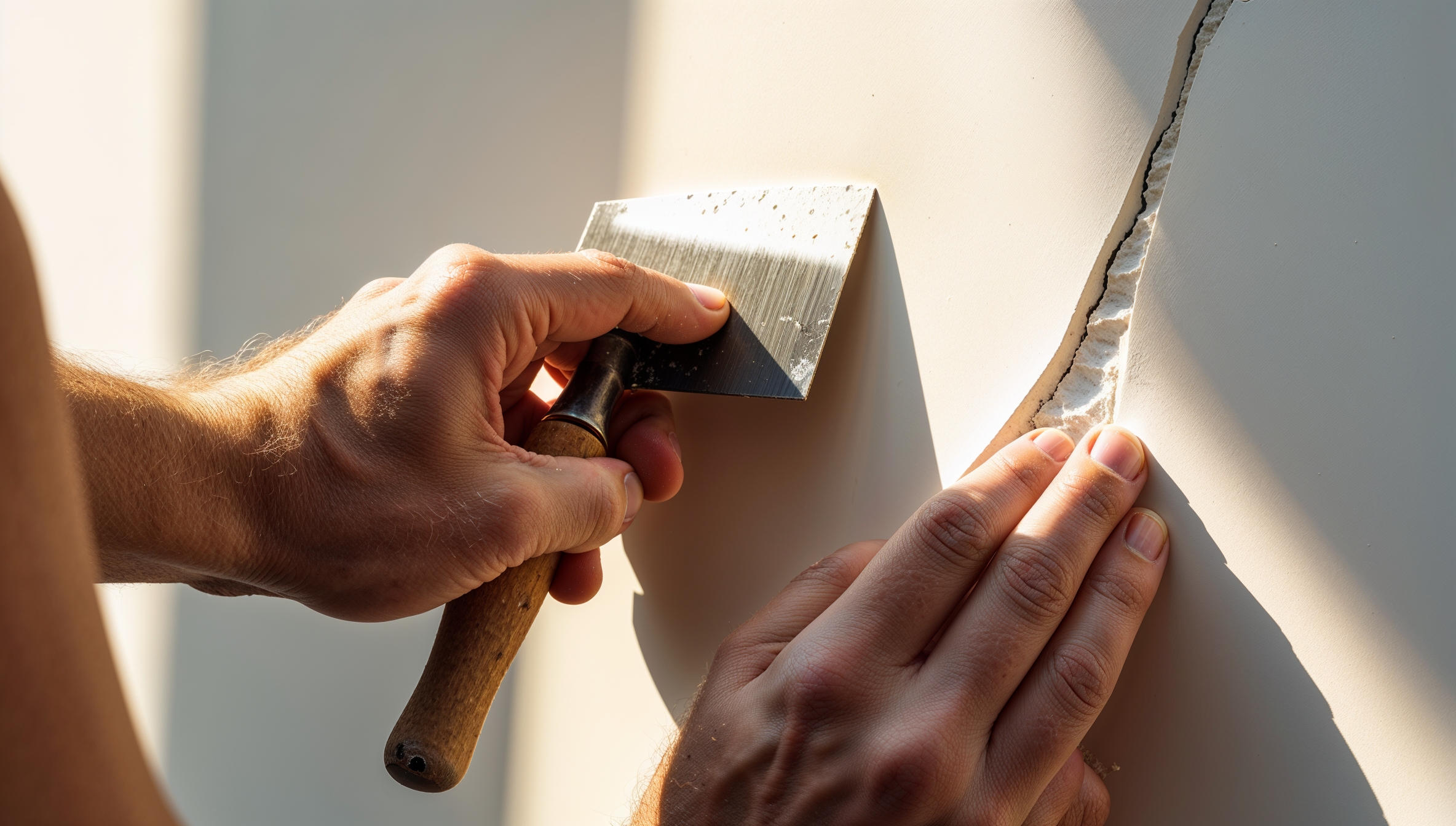

Discover how to use AI for custom woodworking designs with free tools and simple steps. Create unique furniture ideas effortlessly – perfect for hobbyists!
How to Use AI for Custom Woodworking Designs
Curious about blending tech with traditional craft? Learning how to use AI for custom woodworking designs opens up a world of creativity, letting you generate unique ideas without advanced drawing skills. Whether you are designing a bespoke shelf or a statement table, AI tools can inspire and refine your visions quickly. This guide walks you through the process in a friendly way, ideal for beginners. No coding required, just your imagination and a computer. Let us dive in and turn your woodworking dreams into reality!
Why Use AI for Woodworking Designs?
AI is revolutionising hobbies like woodworking by making design accessible to everyone. It saves time on sketching, offers endless variations, and helps visualise projects before cutting wood. Plus, it is eco-friendly, reducing material waste through precise planning. For UK makers, tools like free AI generators align with sustainable trends, and you can incorporate local styles like Shaker or Victorian influences. It is fun, too, sparking ideas you might never think of alone.
Gathering Your Tools and Materials
You do not need much to start. Here is what you will want:
- A computer or tablet with internet access.
- Free AI tools: ChatGPT (for text ideas), Midjourney or DALL-E (via Discord or Bing for images), or specialised ones like Fusion 360’s AI features.
- Woodworking software: Free options like SketchUp or Tinkercad for 3D modelling.
- Basic supplies: Paper for notes, a sketchpad if you like hybrid approaches.
- Optional: A premium AI subscription for better results, but start free.
Sign up for accounts where needed; most are quick and user-friendly.
Step-by-Step Guide: How to Use AI for Custom Woodworking Designs
Follow these steps to create your first design.
Step 1: Define Your Project Idea
Think about what you want to make, like a coffee table or birdhouse. Note details: size, style (modern, rustic), materials (oak, pine), and features (storage drawers). Be specific to guide the AI.
Step 2: Choose and Prompt the AI Tool
Pick a text-based AI like ChatGPT. Enter a prompt: “Generate a detailed design for a rustic wooden coffee table, 100cm x 50cm, with hidden storage, using reclaimed oak.” For visuals, use Midjourney: “/imagine prompt: intricate 3D render of a custom wooden bookshelf in Scandinavian style”.
Step 3: Generate and Review Ideas
Run the prompt. AI will output descriptions or images. Review for feasibility: Does it fit your skill level? Note strengths and flaws.
Step 4: Refine the Design
Iterate by tweaking prompts: “Make the legs slimmer and add curved edges.” Generate variations until satisfied. Combine text ideas with images for a full concept.
Step 5: Transfer to Woodworking Software
Export AI outputs (save images, copy text). Import into SketchUp: Trace over images or build from descriptions. Adjust dimensions and add joinery details like dovetails.
Step 6: Prototype and Build
Print or sketch the final design. Make a small prototype if complex. Then, gather wood and tools to build.
Step 7: Test and Iterate
Once built, evaluate. Use AI again for improvements on future projects.
This process shows how to use AI for custom woodworking designs efficiently.
Extra Tips for Success
- Start simple to build confidence.
- Use AI for inspiration, not final blueprints; check structural integrity manually.
- Join online communities like Reddit’s r/woodworking for AI tips.
- Experiment with AI apps like Adobe Firefly for enhanced renders.
- Always prioritise safety: Wear goggles and follow tool guidelines.
Final Thoughts
Mastering how to use AI for custom woodworking designs empowers you to create personalised pieces with ease. It blends innovation with craftsmanship, making woodworking more inclusive. Start small, experiment, and soon you will have a home full of unique creations.
Happy designing!
FAQ
Q: Do I need design experience?
A: No! AI handles the heavy lifting; you just guide it.
Q: Are AI tools free?
A: Many are, like ChatGPT basic; premiums offer more features.
Q: Can AI handle complex designs?
A: Yes, but verify with software for accuracy.
Q: How do I avoid copyright issues?
A: Use AI outputs as starting points; customise heavily for originality.
Q: What if the AI output is not what I want?
A: Refine prompts with more details or try different tools.