
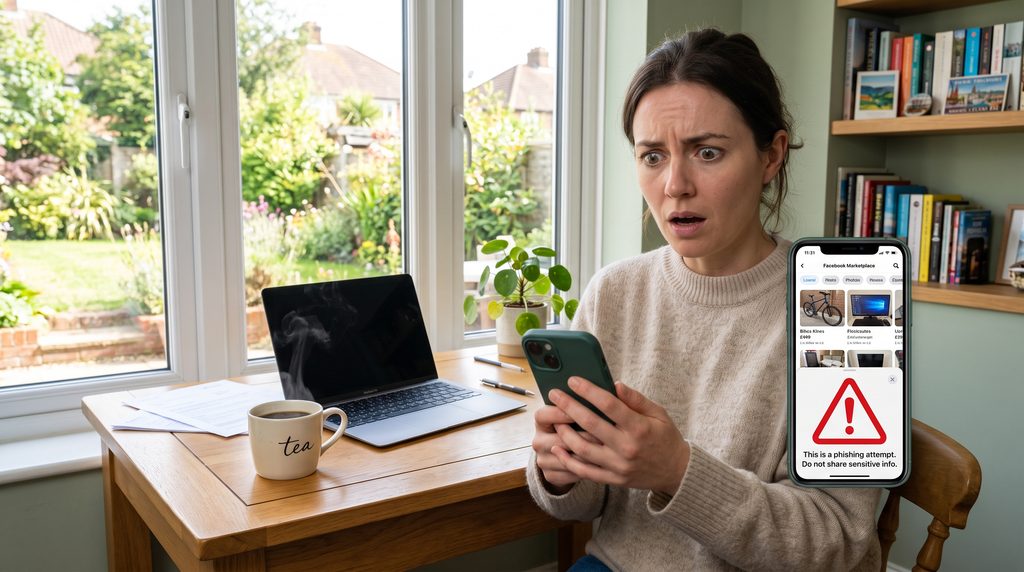
Learn how to report a scam account on Facebook Marketplace with this easy guide. Protect yourself, secure your account, and report fraudulent sellers fast.
How to Report a Scam Account on Facebook Marketplace
Facebook Marketplace is a convenient way to buy and sell locally, but encountering fraudulent listings or fake seller profiles can turn a good deal sour fast. Knowing how to report a scam account on Facebook Marketplace is crucial for protecting your money, keeping your personal details safe, and preventing fraudsters from victimising other users.
Whether you have spotted a fake profile selling non-existent items, received suspicious payment requests via third-party gift cards or bank transfers, or fallen victim to an active scam, taking quick action helps Meta take down bad actors. Here is your clear, step-by-step UK guide on how to report a scam account on Facebook Marketplace.
1. Recognise Common Facebook Marketplace Scams
Identifying suspicious behaviour early helps you avoid financial loss and provides clear evidence when learning how to report a scam account on Facebook Marketplace.
Watch out for these frequent red flags:
- Overpayment scams: The buyer sends a fake payment confirmation (often via email) claiming they overpaid and demands you refund the difference.
- Gift card or off-platform payment requests: Sellers demanding payment via wire transfers, cryptocurrency, or gift cards instead of cash or secure methods.
- Pay-to-ship or advance fee scams: Sellers asking for a deposit or shipping fee before you view an item in person.
- Brand-new or empty profiles: Accounts created recently with no friends, profile pictures, or local history selling high-value items below market value.
2. Report the Specific Listing
If the scam involves a specific product listing, reporting the item directly flags the seller’s ad to Facebook’s safety team.
Report a fraudulent listing with these steps:
- Open the listing: Click or tap on the suspicious item on Facebook Marketplace.
- Access options: Click the Three Dots (…) icon located on the listing page (or near the seller’s name).
- Select Report: Click Report Listing or Report Item.
- Choose the reason: Select Scam or Fraud (or Misleading Information) from the menu options and follow the prompts to submit.
3. Report the Seller or Buyer’s Facebook Profile
Reporting the individual profile ensures Facebook investigates the entire account, preventing them from posting other fake listings. This is a key step when mastering how to report a scam account on Facebook Marketplace.
Take down a fake account using these steps:
- Navigate to their profile: Click on the seller or buyer’s profile name from the Marketplace listing or Messenger chat.
- Click the Three Dots (…): Find the action menu on their main Facebook profile page.
- Select Report Profile: Choose Find support or report profile.
- Specify the violation: Select Fake Account, Fake Name, or Scam/Fake Page, then submit your report to Meta.
4. Report the Conversation in Facebook Messenger
If you communicated with the scammer via Facebook Messenger, reporting the chat thread provides Meta with direct evidence of fraudulent messages and links.
Report Messenger chats with these steps:
- Open the chat: Go to the Messenger conversation with the suspect account.
- Open chat settings: Tap the seller’s name at the top of the chat window (on mobile) or click Privacy & Support (on desktop).
- Report the conversation: Scroll down and select Report, then choose Scams or Unauthorised Sales.
5. Block the Scammer and Secure Your Financial Details
Once you submit your reports, immediately cut off communication and secure your accounts to prevent further contact or unauthorised transactions.
Protect yourself with these immediate actions when learning how to report a scam account on Facebook Marketplace:
- Block the user: Block the account on Facebook and Messenger so they can no longer view your profile or message you.
- Contact your bank immediately: If you sent money or shared banking details, notify your bank or card issuer right away to freeze transactions or report fraud.
- Report to Action Fraud (UK): If you lost money to a scammer in the UK, report the crime to Action Fraud online or by calling
0300 123 2040.
FAQs: How to Report a Scam Account on Facebook Marketplace
Here are everyday questions users ask about reporting scams on the platform.
1. Does Facebook refund money if you get scammed on Marketplace?
Facebook Purchase Protection only covers eligible purchases made directly through Facebook Checkout. Most local Marketplace transactions (cash on collection or external bank transfers) are not covered by Facebook refund guarantees.
2. Will the scammer know that I reported them?
No. All reports made on Facebook Marketplace are completely anonymous. The user will not receive any notification stating who flagged their listing or account.
3. What happens after I report a scam profile on Facebook?
Meta reviews the reported account, listing, or chat logs against their Community Standards. If found in violation, Facebook may remove the listing, suspend the account, or permanently ban the user’s IP address and details.
Final Thoughts
Knowing how to report a scam account on Facebook Marketplace helps protect both you and the wider online community from digital fraudsters. By recognising red flags, reporting fake listings and profiles promptly, and notifying your bank if funds were lost, you can keep your online shopping experience safe and secure.